
Video & audio downloader
See a video?
Save it.
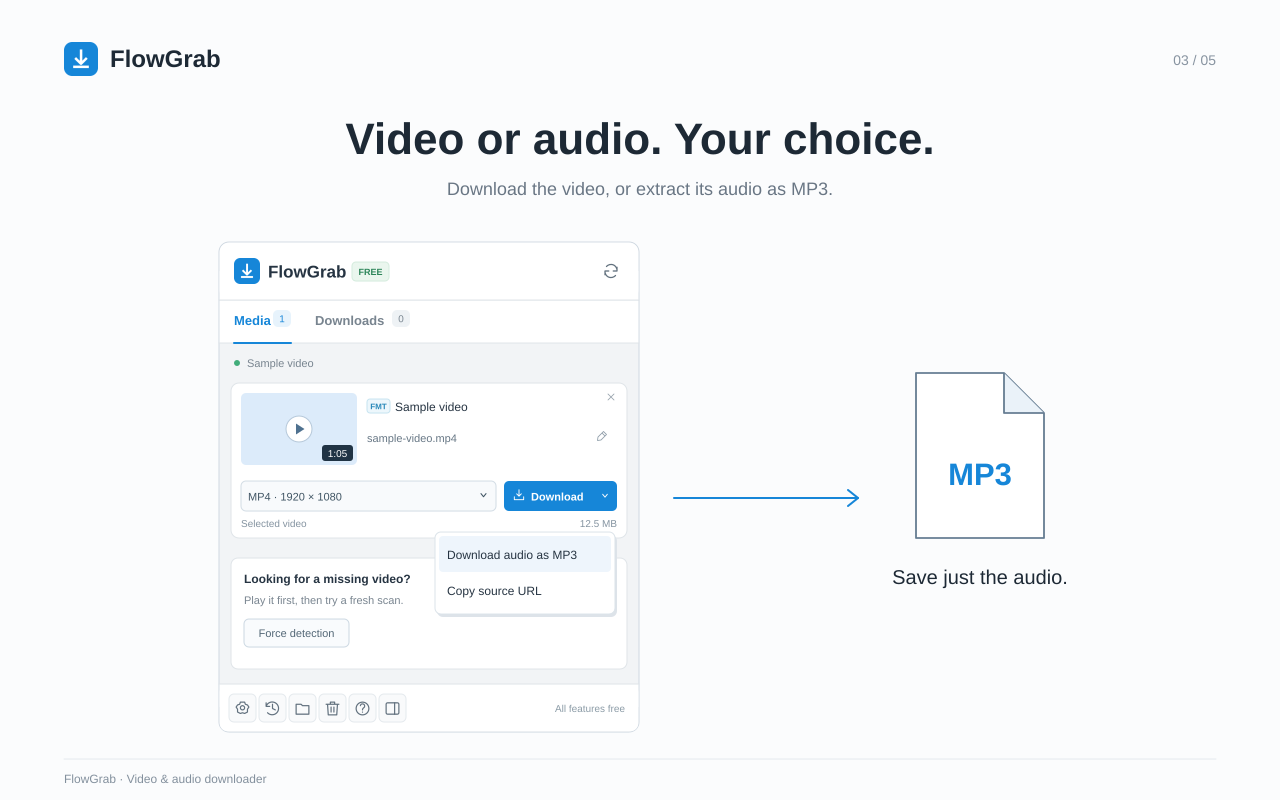
FlowGrab finds videos as you browse. Choose a quality, download the clip, or save just the audio as an MP3.
 Get for Firefox
Free to use No account required
Support me on Ko-fiSupported sites
- TikTok
- X / Twitter
- Embedded video
How it works
From playback to download.
Play the video
Open a supported page and start playback so the media source becomes available.
Open FlowGrab
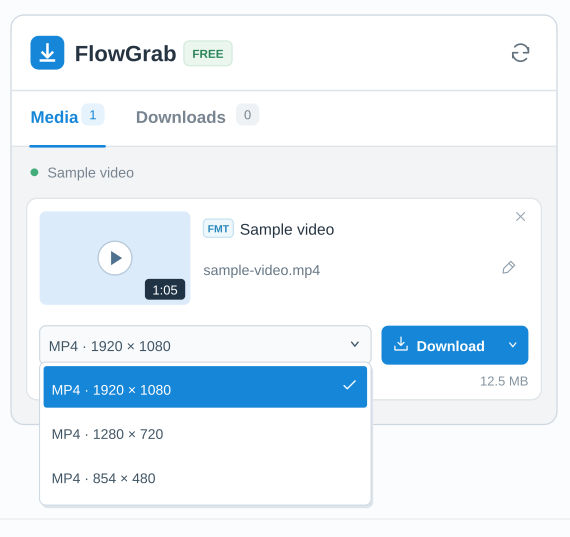
Click the toolbar icon to see the detected media. Use the preview to identify your clip.
Choose and save
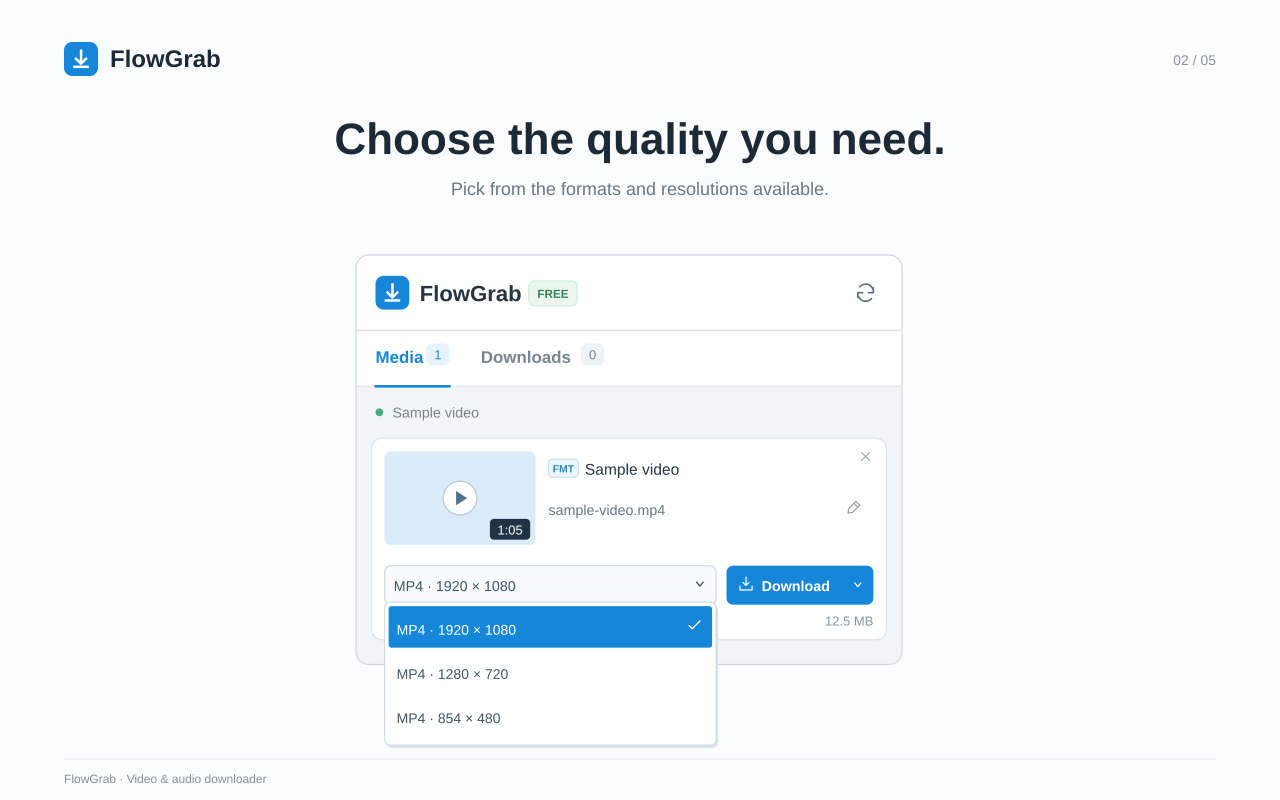
Pick an available quality and select Download. For MP3, use the menu beside it.
Is FlowGrab free?
Yes. All current features are free, including quality selection and MP3 conversion. You can install the extension without a FlowGrab account.
Which sites and browsers are supported?
FlowGrab is available for desktop Chrome and Firefox. It detects accessible media on sites such as Instagram, TikTok, X and Reddit, and in compatible embedded players. The formats you see depend on the page.
Can FlowGrab download YouTube videos?
The Firefox edition can detect supported YouTube videos. YouTube downloads are unavailable in the Chrome edition.
Why didn’t FlowGrab find my video?
Start playback, open FlowGrab and retry detection. If the list is still empty, reload the page or open the video in its own tab. DRM-protected media and live streams are unsupported.
Where are my downloads saved?
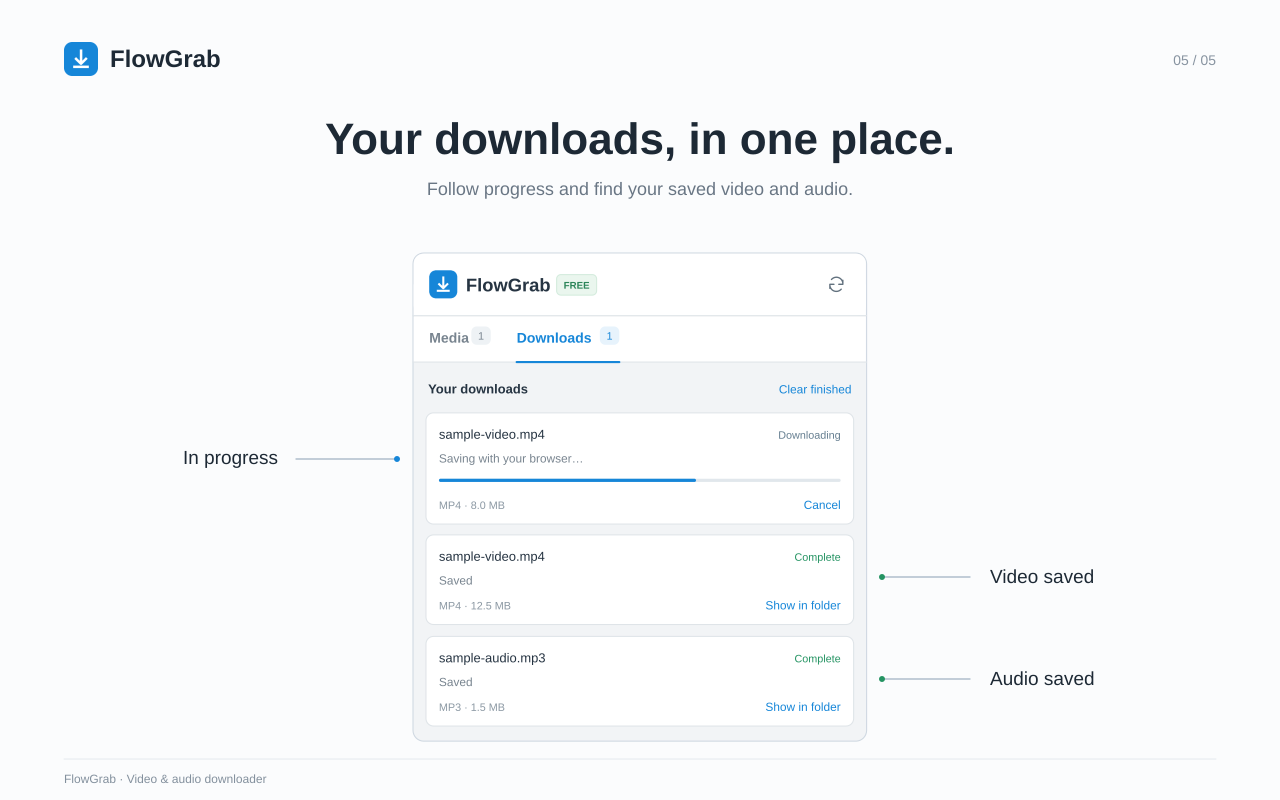
Files go to the download location you use for your browser. Open the Downloads tab in FlowGrab to see progress and locate completed files.